
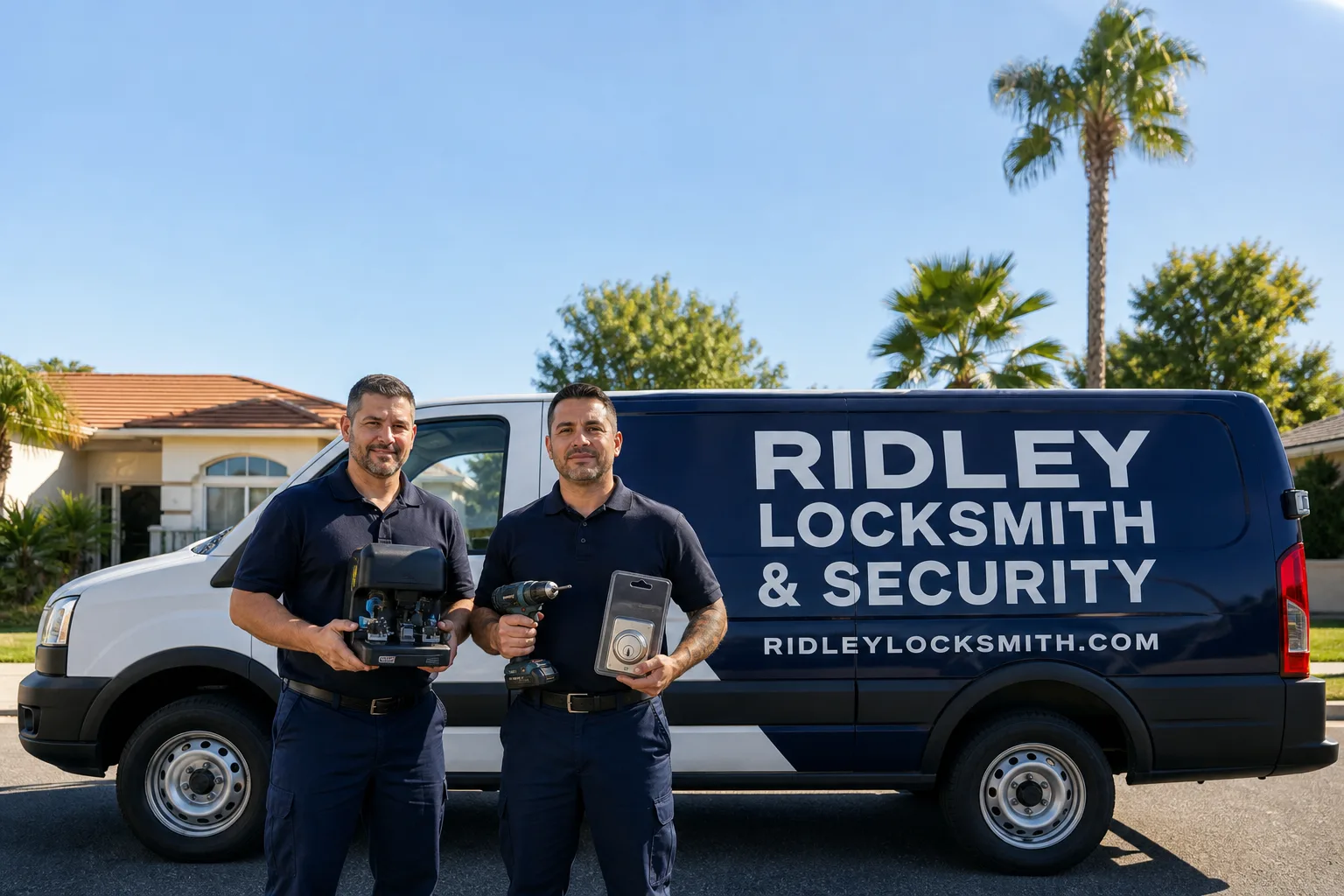
Non-destructive entry first, always - and we re-key Schlage, Kwikset, and Baldwin locks on the spot while you watch
You get a price before we start. It does not change when we arrive. No surprises.
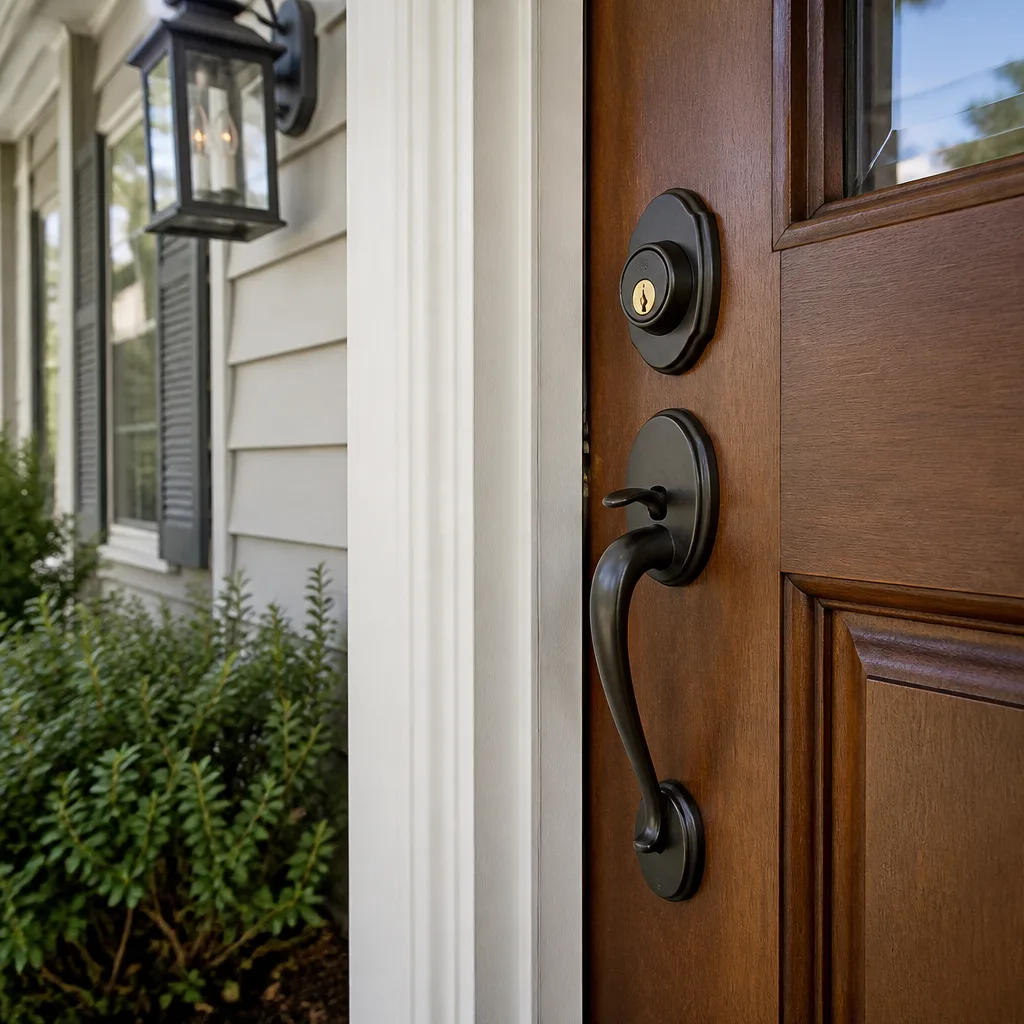
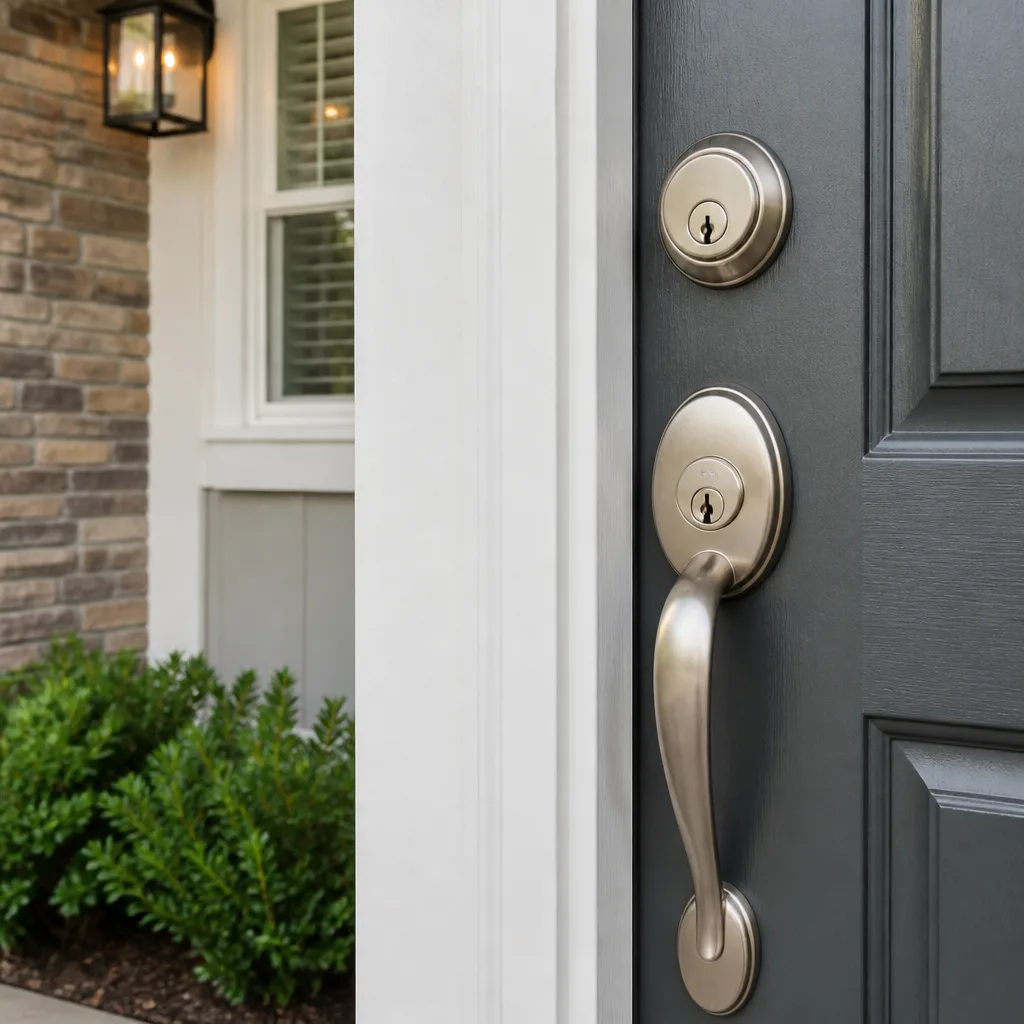
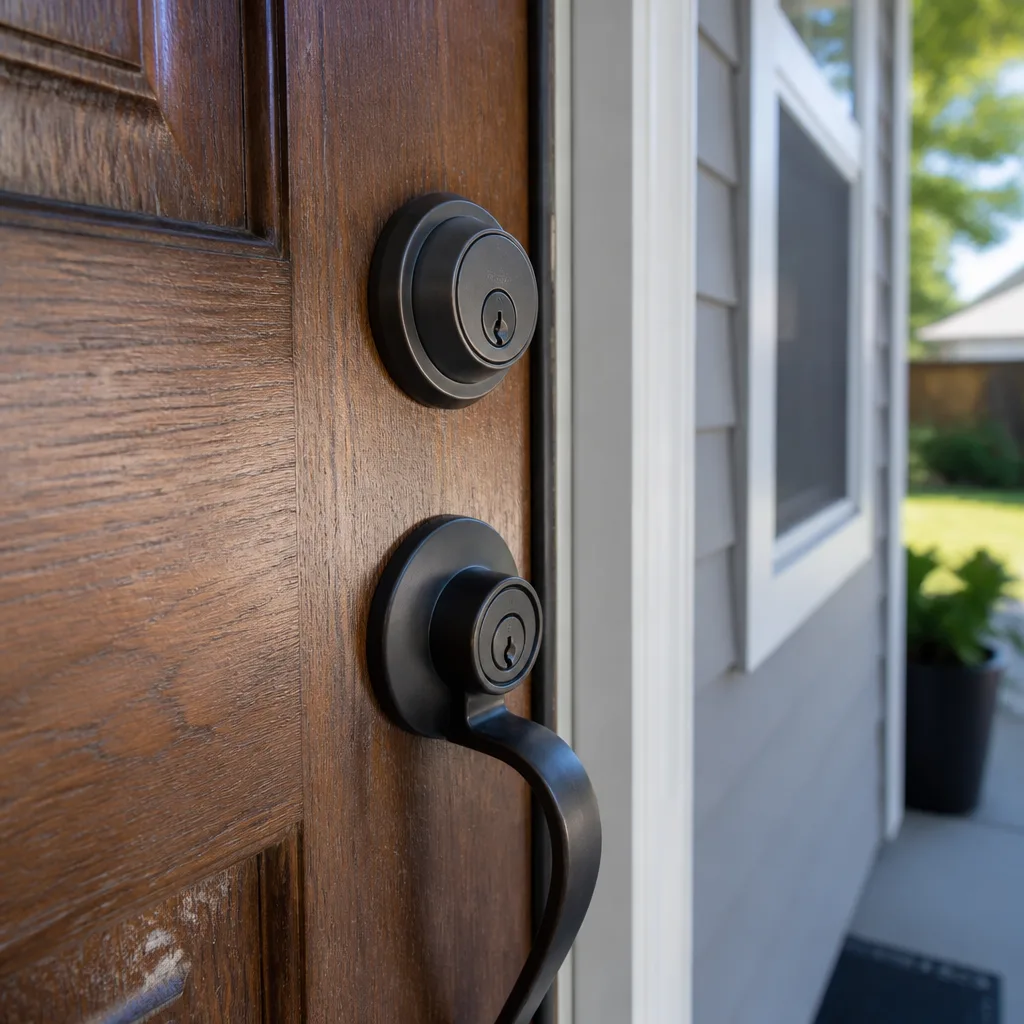
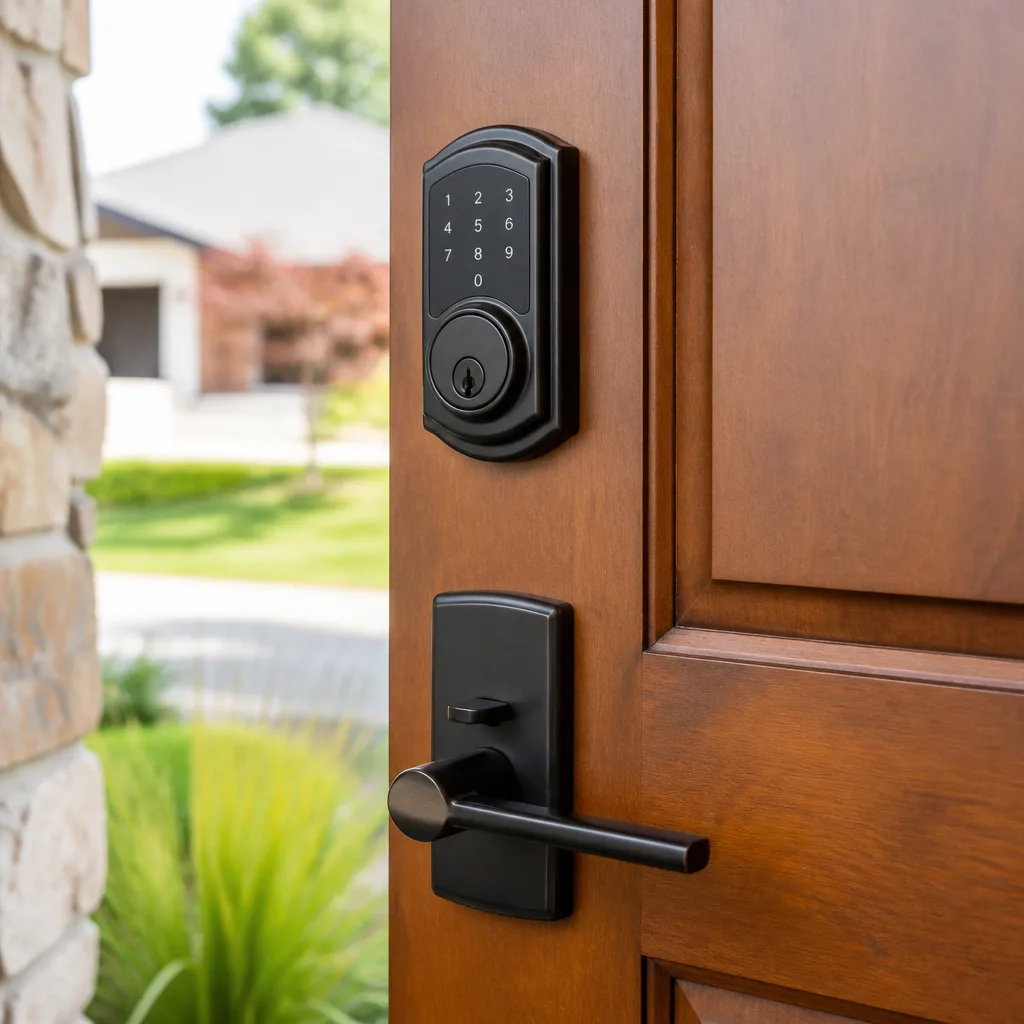
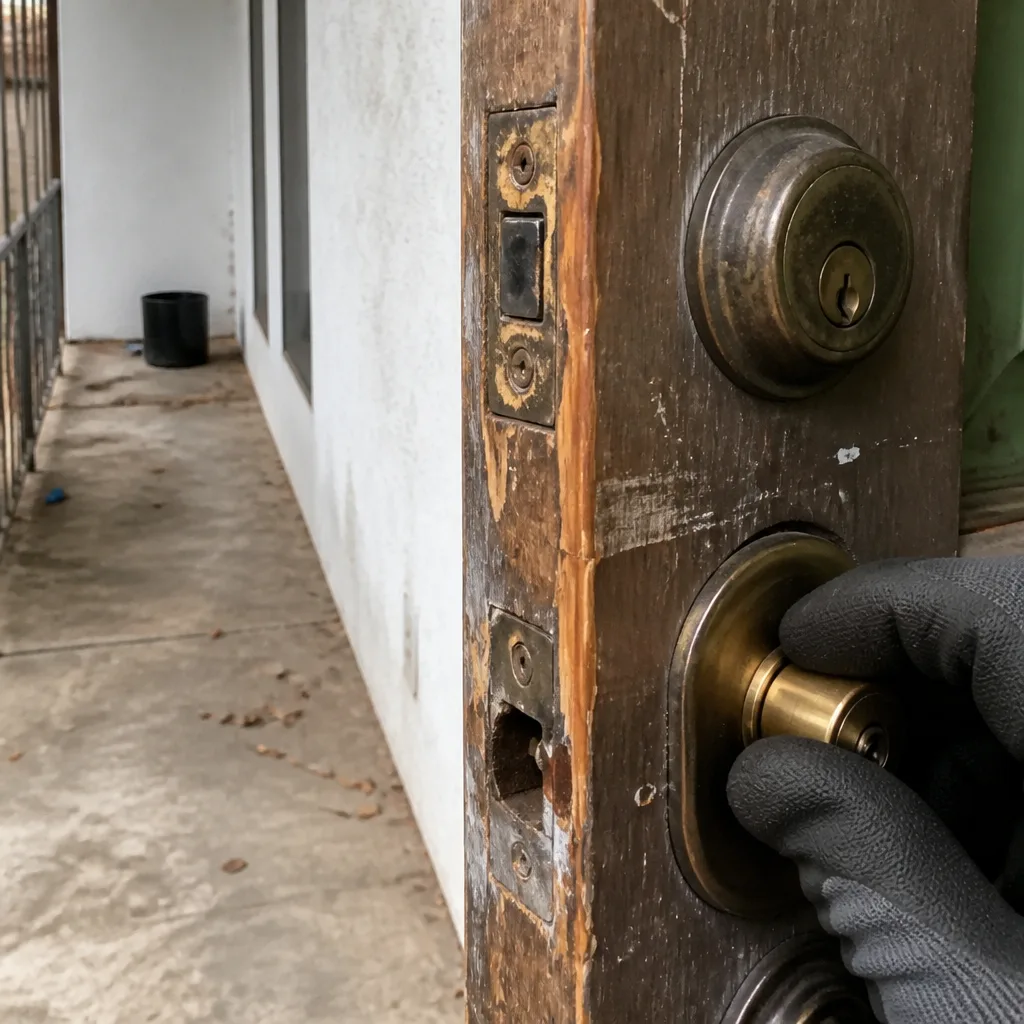 Before
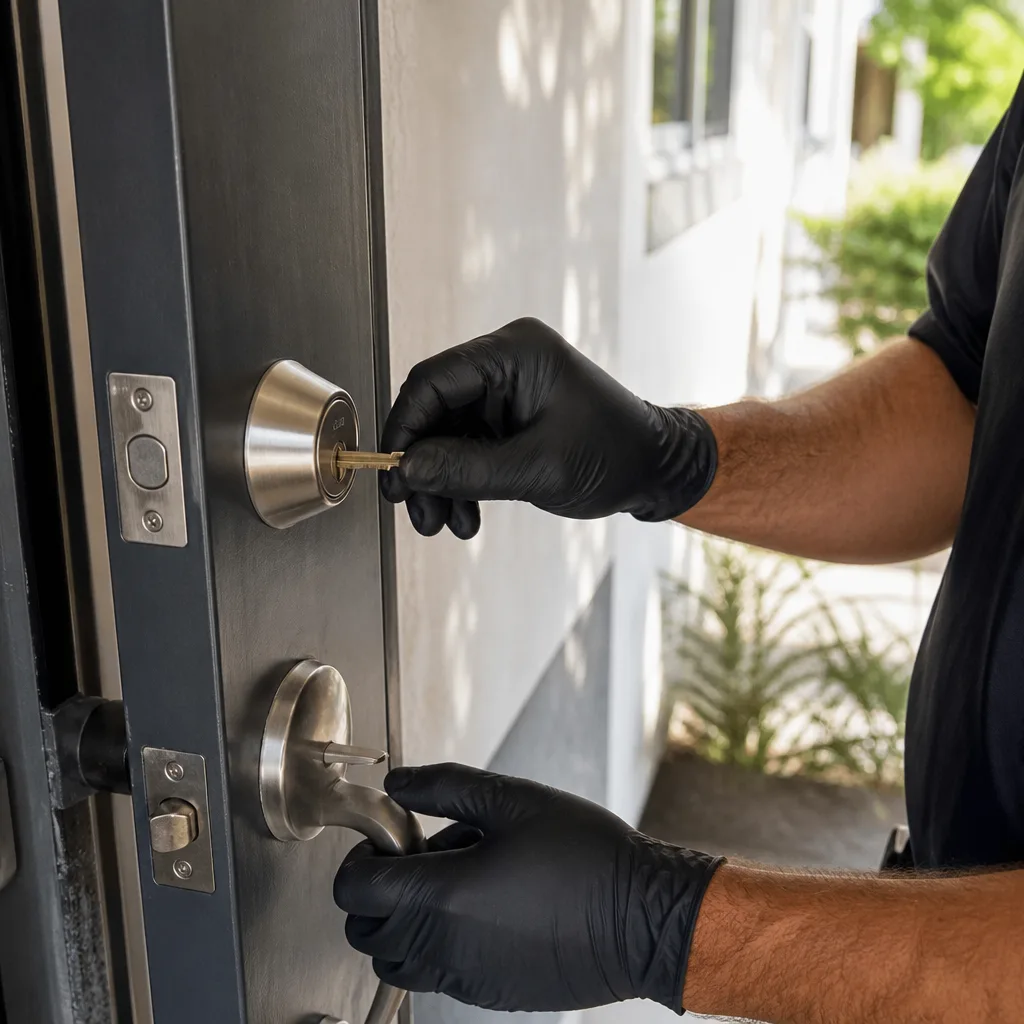 After
AfterSmart Lock Stopped Working
What’s Happening
A smart lock that stops responding – no beep, no click, no app connection – is almost always caused by one of four things: dead or failing batteries, a corrupted firmware state, a mechanical jam inside the lock body, or a failed motor or circuit board. Most of the time, a fresh set of batteries or a factory reset gets the door open within minutes. When it doesn’t, the problem has moved past software and into the hardware itself – and that’s where a locksmith steps in.
Smart locks blend two systems that can fail independently: the electronic side (batteries, circuit board, wireless module, firmware) and the mechanical side (bolt, cam, clutch, motor). When one fails, it can look like the other is broken. A lock that beeps but won’t throw the bolt has a mechanical problem. A lock that is completely silent despite fresh batteries has an electronic one. Knowing which system failed narrows the fix considerably – and that diagnosis is exactly what your local Ridley Locksmith & Security team does on arrival.
Why It Happens
Dead or Critically Low Batteries
This is the cause roughly two-thirds of the time. Smart locks draw more current than people expect – especially models with backlighting, Wi-Fi, or auto-lock motors. Alkaline batteries can read “good” on a standard tester but still be too weak to drive a lock motor under load. The tell: the keypad lights up briefly when you press a button but the bolt doesn’t move, or you hear a single weak click instead of the full cycle. If the lock has a low-battery warning you dismissed a few weeks ago, start here before anything else.
Firmware Glitch or Stuck Software State
Smart locks run small embedded computers, and those computers can freeze, lose their pairing, or get stuck in a bad state after a firmware update – the same way a router sometimes needs a reboot after a software change. The tell: the lock was working fine, you didn’t touch it, and now the app says it’s offline or unresponsive even though the keypad still lights up. Most manufacturers have a reset sequence – usually a pinhole button or a button-hold combination – that reboots the firmware without erasing your codes. Check your model’s manual before assuming the hardware is dead.
Mechanical Jam or Misaligned Strike Plate
Smart locks still have a physical deadbolt or latch, and that bolt has to travel in a straight line into the door frame. When a door settles, swells with humidity, or shifts after a hard slam, the bolt and the strike plate opening go slightly out of alignment. The motor tries to push the bolt, can’t complete the throw, and eventually stops trying to protect itself. The tell: you hear the motor running – a brief hum or whir – but the lock doesn’t fully engage or disengage, and the manual key override also feels stiff or binding.
Failed Motor or Circuit Board
Motors and circuit boards don’t fail often, but they do fail – usually after several years of heavy use, after a power surge through connected wiring, or after water gets into a lock that wasn’t properly rated for exterior exposure. The tell: the lock is completely silent on fresh batteries, the reset sequence produces no response, and the manual key override works fine. That last point matters: if the key turns freely but the motorized function is dead, the mechanical side of the lock is intact and you’re dealing with a motor or board replacement – or in many cases, a full lock replacement.
What to Do Right Now
- Replace the batteries first, regardless of what you think the problem is. Use new name-brand alkaline batteries – not rechargeable ones unless the manufacturer specifically approves them – and make sure the contacts are clean and seated correctly. This resolves the problem more often than any other single step.
- Try the manual key override. Every smart lock has one. If the key turns and the bolt moves, your mechanical components are intact. If the key is stiff, binds, or won’t turn, note that and tell the technician – it points to an alignment or mechanical jam rather than an electronic failure.
- Attempt a factory reset using the manufacturer’s instructions. Look up your exact model number (printed on the interior lock body) and follow the reset sequence in the manual. Do not guess at button combinations – some models will lock out the keypad entirely after several incorrect attempts.
- Photograph the lock, the door gap, and the strike plate area before touching anything else. If the door has shifted or the frame is visibly cracked, a photo gives your technician useful context before they arrive and helps them bring the right tools.
- If you are completely locked out, stop experimenting and call. Repeated failed attempts can exhaust the lockout timer on some models, adding a forced wait before any code works again. Your local Ridley Locksmith & Security team can reach you faster than that timer resets.
How We Fix It
When your local Ridley Locksmith & Security technician arrives, the first thing they do is a structured diagnosis – not guesswork. They’ll test battery voltage under load, cycle the manual override, check door and frame alignment with a gauge, and inspect the motor function. That takes about ten minutes and tells them exactly which system failed.
If the problem is alignment, they adjust the strike plate and test the full lock cycle until it’s smooth. If it’s a mechanical jam inside the lock body, they disassemble and service it. If the motor or board has failed, they’ll advise you whether the unit is worth repairing or whether a replacement makes more sense given the lock’s age and the cost of parts. Ridley technicians are trained on a wide range of smart lock platforms alongside conventional hardware – Schlage, Kwikset, Yale, and Baldwin on the residential side, and high-security lines including Medeco, Mul-T-Lock, Abloy, and Sargent where the job calls for it.
Before any work starts, you receive a written price – the exact number, not a range that moves at the door. That’s not a policy we pull out for certain jobs. It’s how every job works, every time, under The Garrison Standard. The repair is then covered by our 365-Day Done Right Promise: a written guarantee that if the fix fails inside a full year, we come back and make it right at no charge. Most smart lock service calls are completed in a single visit.
Frequently Asked Questions
It depends on which side of the door you’re on and whether the manual key override still works. If you are locked out and the key override won’t open the door either, treat it as urgent – your home is not securable. If you’re inside and the lock won’t arm, you can use a secondary deadbolt or security bar in the short term, but don’t leave it unresolved overnight. Call (956) 275-7388 and a live person will help you figure out how fast you need someone on site.
If you can still lock your door manually and you’re safely inside, waiting until morning is reasonable. If you’re locked out, if the bolt won’t throw at all, or if you live alone and have no backup way to secure the door, it should not wait. A live person answers at (956) 275-7388 around the clock – not a voicemail, not an answering service – so you can get a straight answer about your specific situation right now.
Your local Ridley Locksmith & Security team dispatches on residential locksmith calls and can typically get to you the same day – often within hours. When you call (956) 275-7388, the person who answers will give you an honest arrival window, and we hold to that window. No vague “sometime today” commitments.
Most smart lock failures don’t require a full replacement. Battery problems, alignment issues, and firmware glitches are all repaired without touching the lock body. Motor and board failures sometimes require replacement, but only after a technician has diagnosed the unit and given you a written price for both options – repair and replace – so you can decide. We won’t push you toward a new lock if the existing one can be fixed properly.
Get It Fixed
Call (956) 275-7388 right now – a live person picks up, day or night. Your local Ridley Locksmith & Security team will diagnose the problem, give you a written price before any work starts, and back the repair with our 365-Day Done Right Promise. You can also book online if that’s easier.
Written by Drew Kowalski, Owner at Ridley Locksmith & Security, serving communities nationwide as part of the Garrison Partners family since 2007.
What Our Customers Say
"Rekey on a small office building, five doors. Done in under an hour and the keys are labeled."
- Hugo M."Replaced a broken handle set and matched the finish. No upsell."
- Leon W."Upgraded to grade 1 deadbolts and reinforced the door frames with strike plates and longer screws. Feels solid."
- Nate P.